
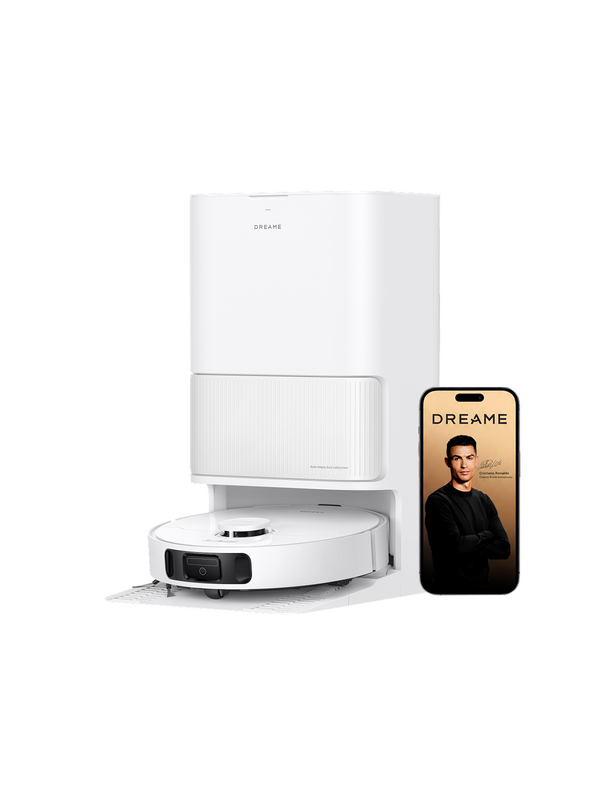
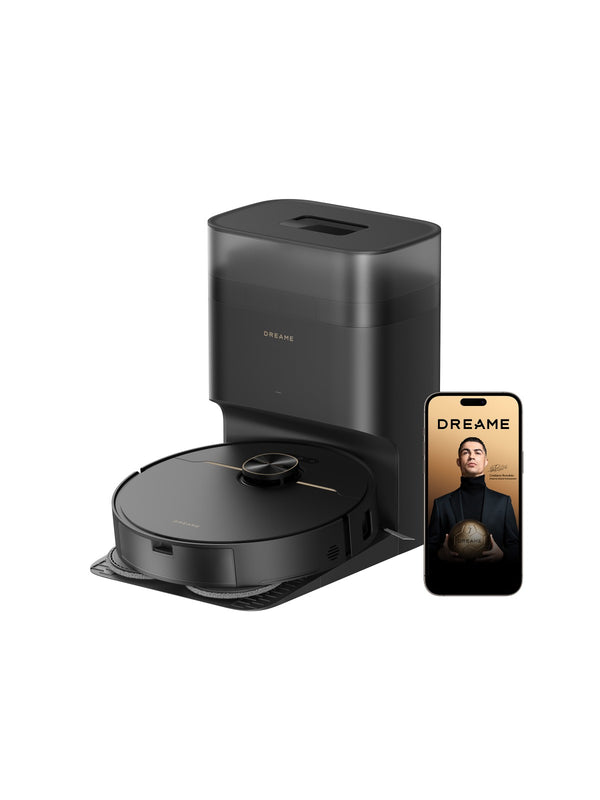
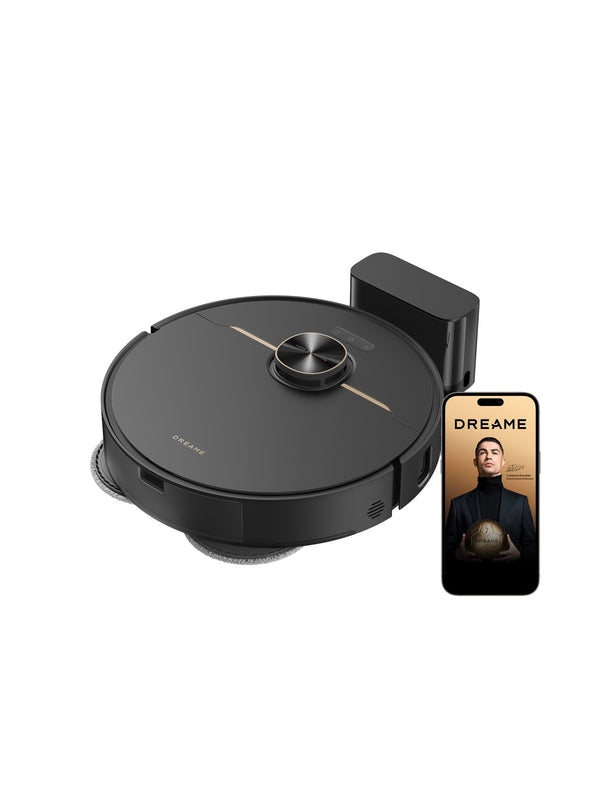
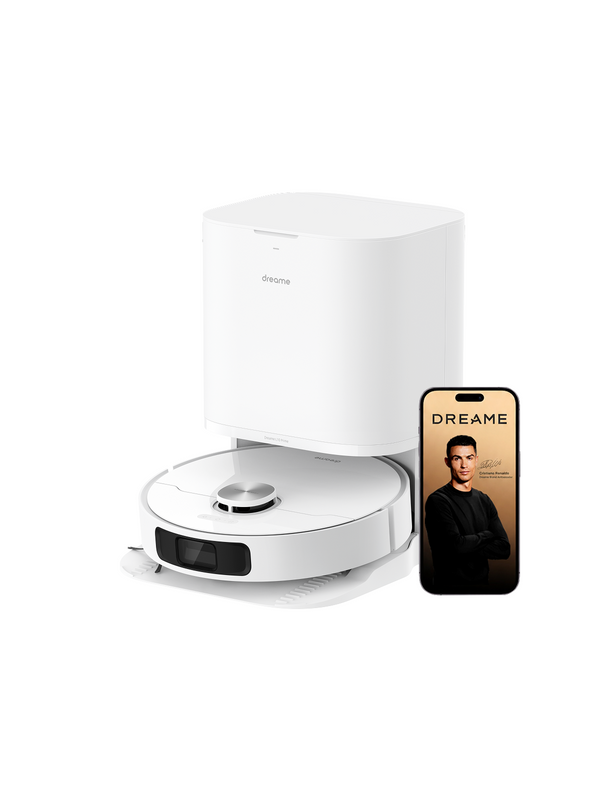
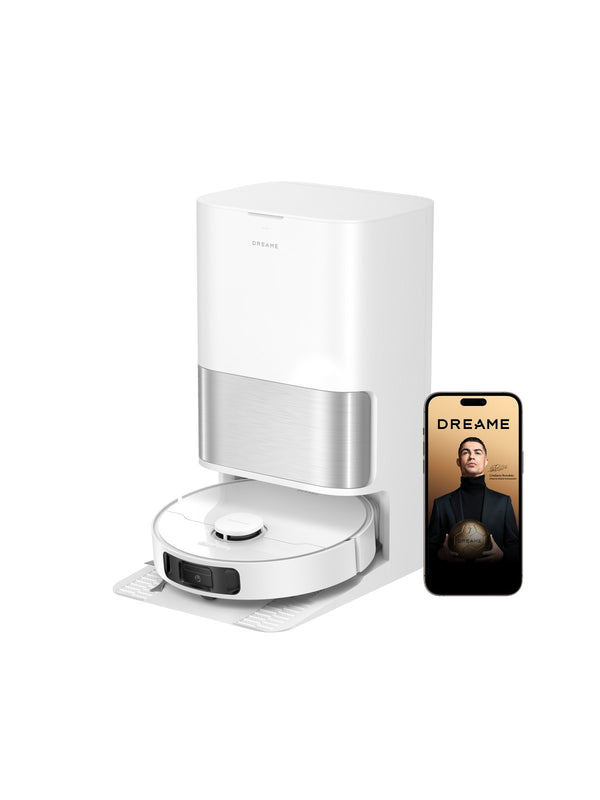

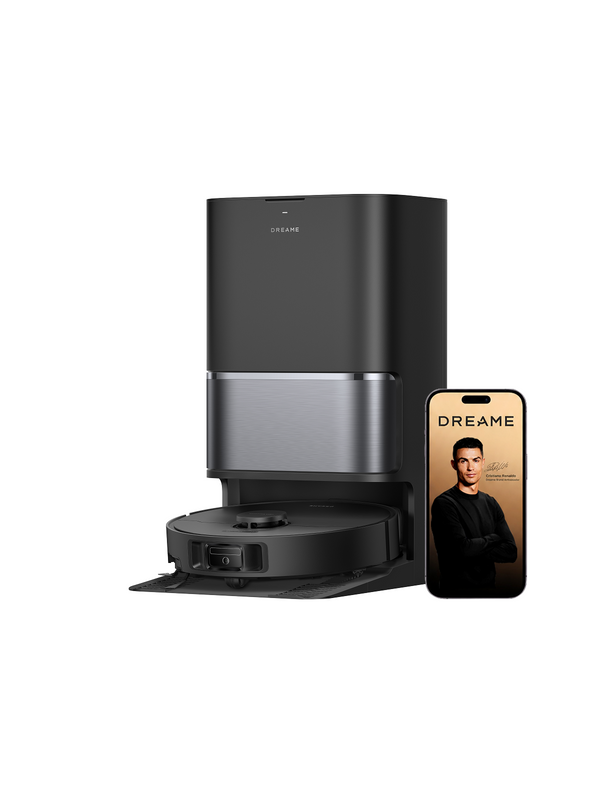
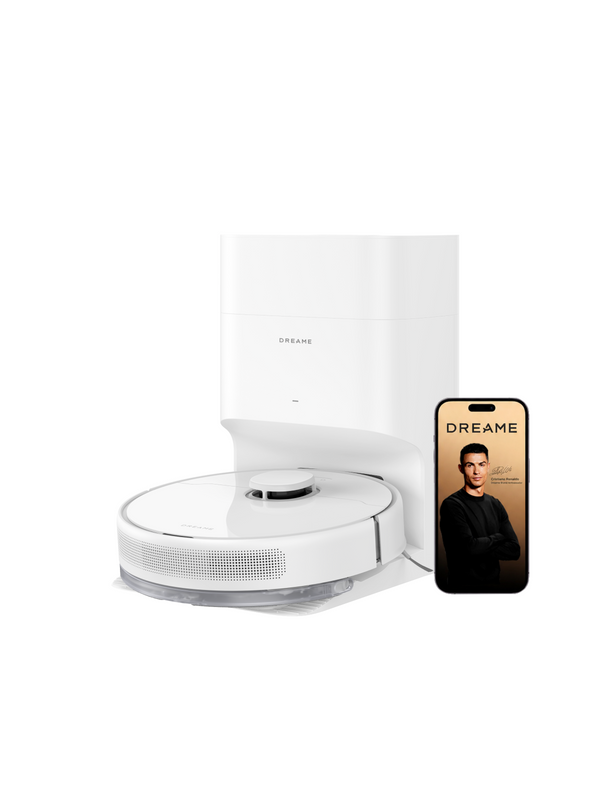
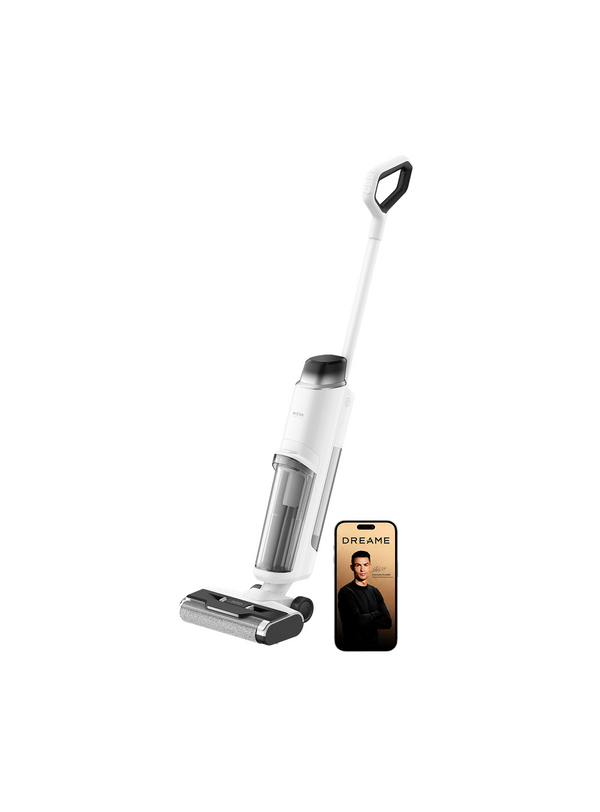
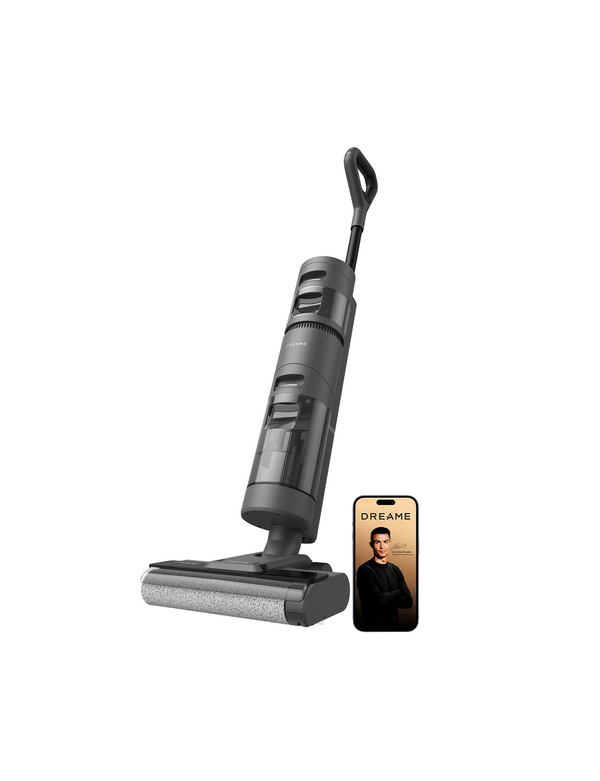
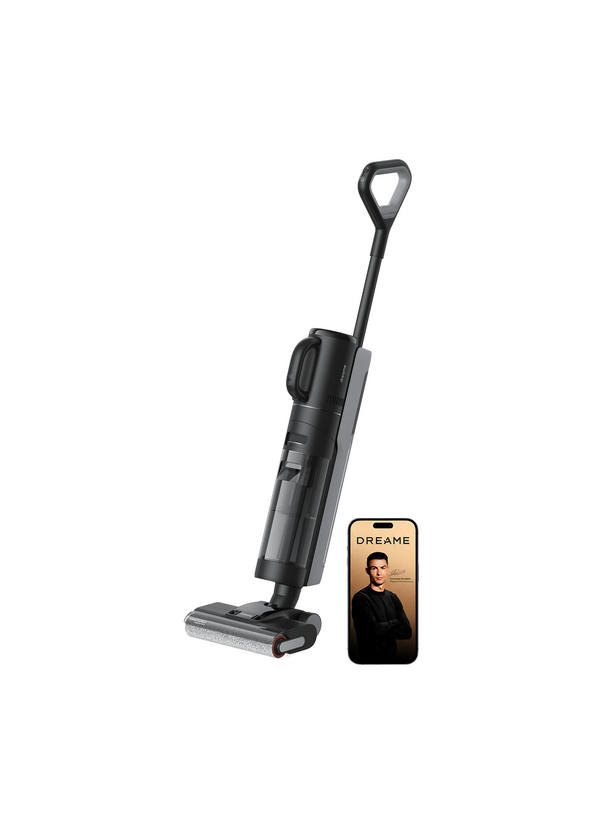
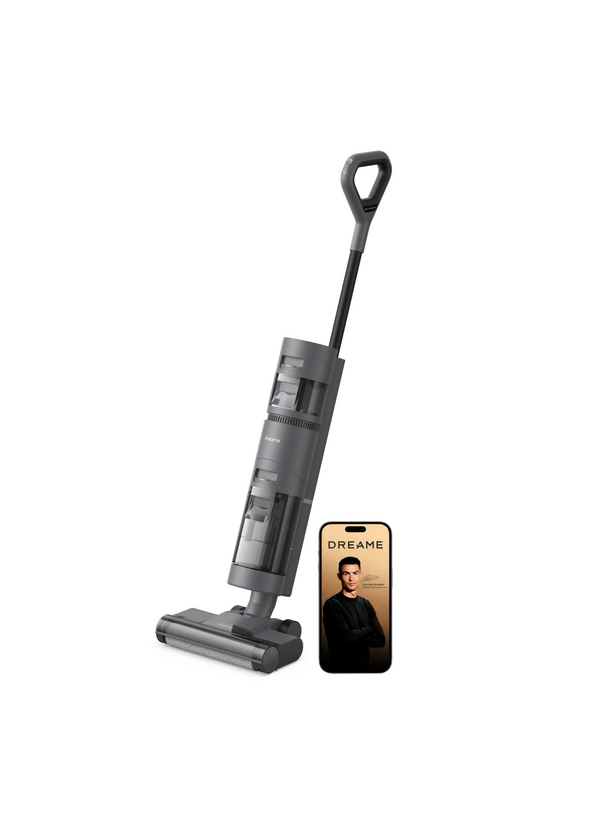
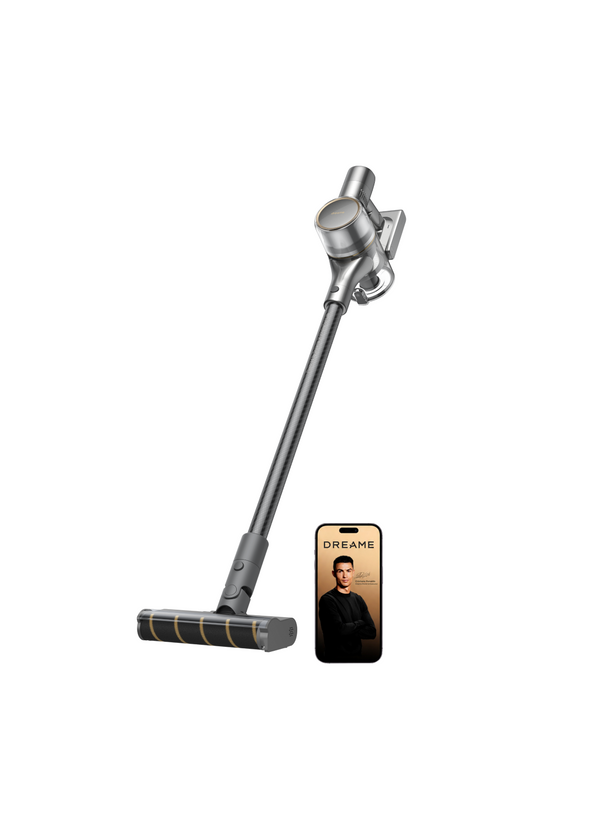
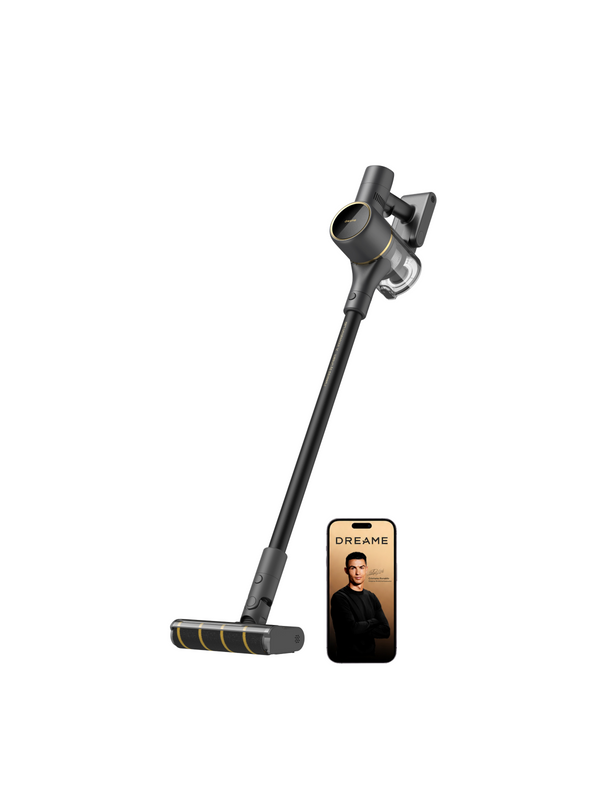
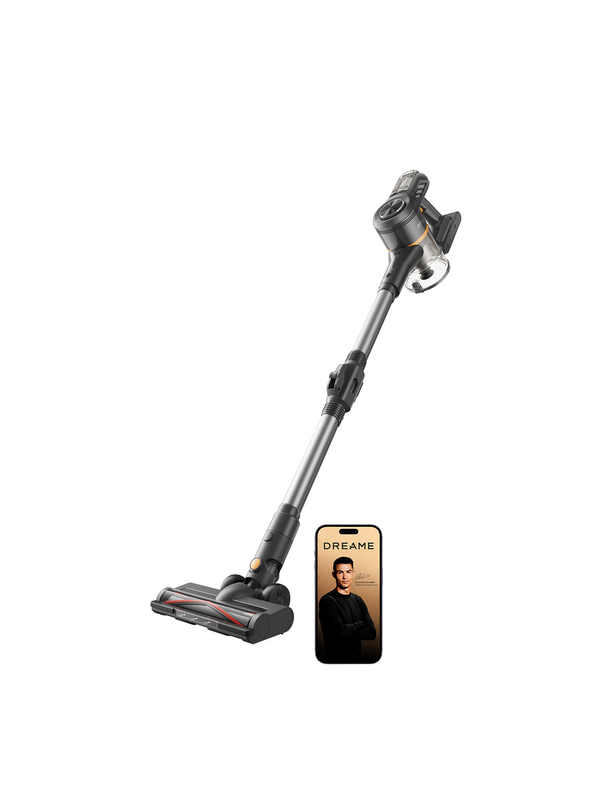
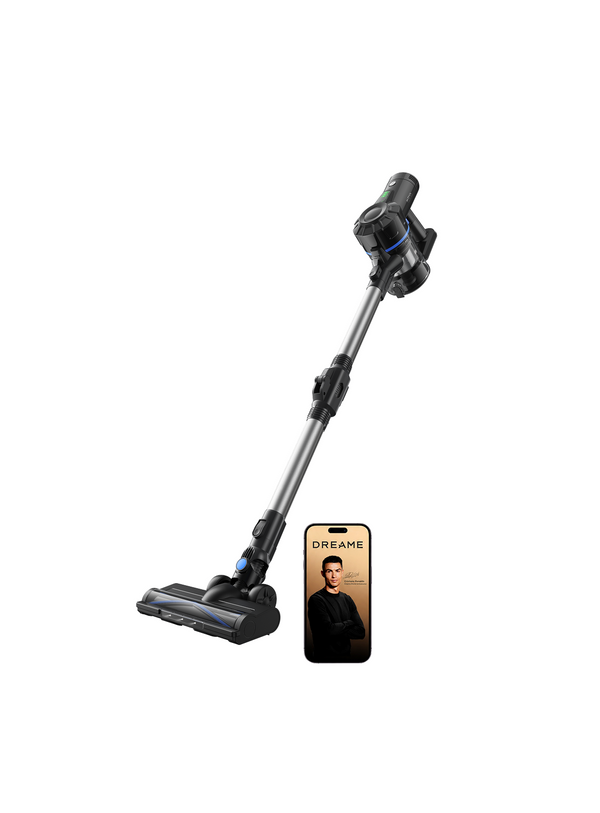


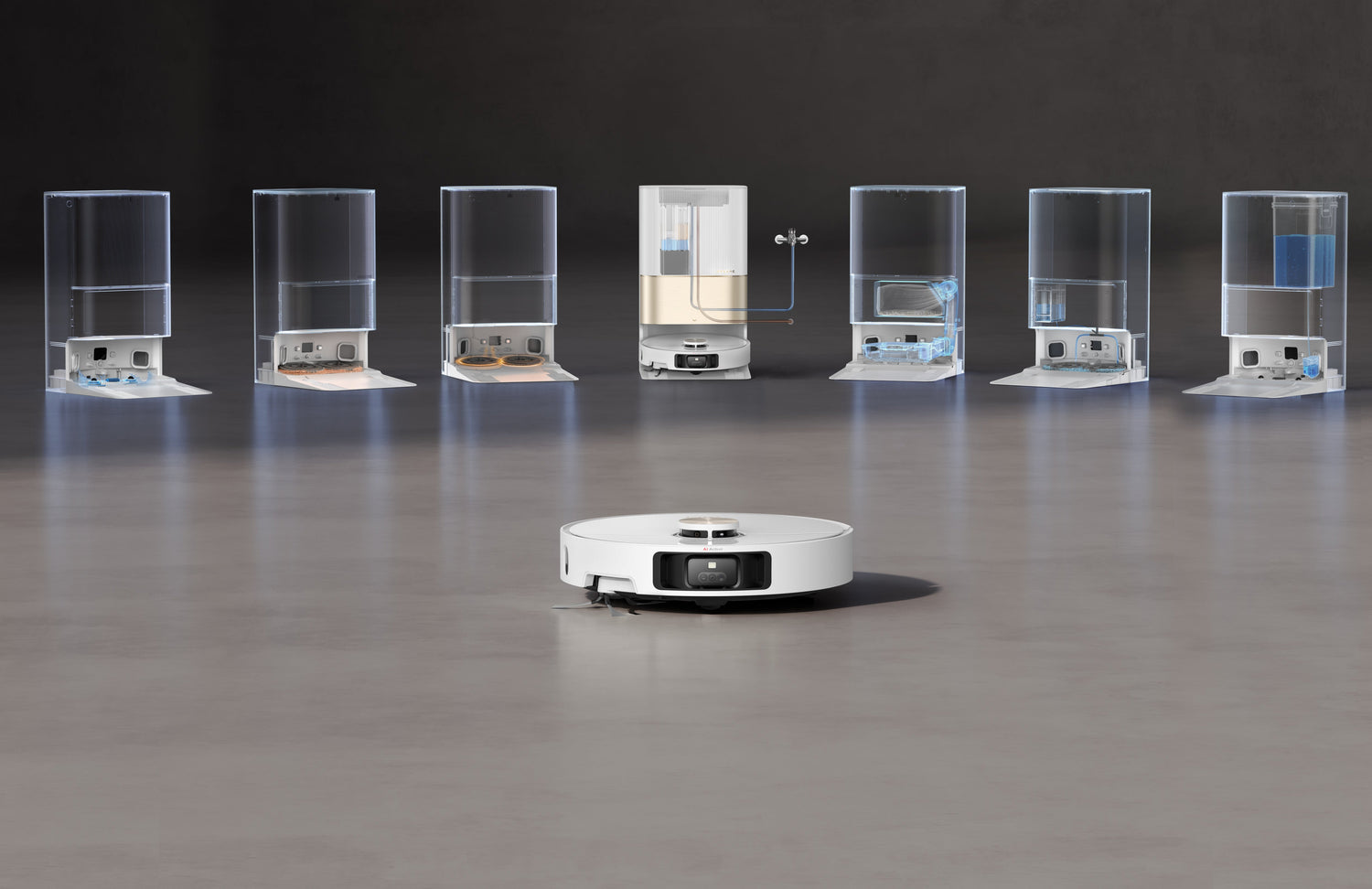
Whether you’re juggling back-to-back meetings, school runs, or just a busy life that leaves little to no time for deep cleaning, a high-performance vacuum cleaner in the range of Dreame vacuum cleaners can be a complete game-changer. From robot vacuum and mop combos to advanced auto-emptying models, these intelligent devices make everyday cleaning effortless. But even the most innovative devices need proper care to run at peak performance for years.
In this article, we’ll walk through practical, real-world tips to help you maintain your Dreame cleaning tools, avoid vacuum cleaner repair stress, and get the most out of your investment, whether it’s for weekly deep cleans or daily.
Daily Maintenance Habits That Pay Off
You don’t need to spend hours every day. A few minutes of regular care can help avoid any repair issues and keep your device running like brand new.
1. Empty the Dust Bin Frequently
Imagine this: you schedule your robot vacuum to run daily while you’re at work. When you come back, the floors look spotless. But a full bin can restrict airflow and reduce suction power. A clogged bin makes the vacuum work harder than usual, reducing motor life and leading to issues requiring vacuum cleaner repair.
Pro tip: If you have pets or kids, empty the dust bin and give it a quick wipe after every cleaning cycle. If your model has an auto-empty dock, like the D10 Plus Gen 2, make sure the dock has space to store the junk.

2. Clean Brushes and Rollers Weekly
The main brush and side brushes do the most heavy lifting. Over time, fine hair, dust, and threads tend to wrap around them. This isn’t just messy; it also burdens the motor and reduces the device's performance.
-
Use the provided cleaning tool or small scissors to remove hair.
-
Check side brushes for bent bristles.
-
For robot mopping combos, wipe the mop attachment and let it air dry occasionally.
Weekly brush care maintains suction strength and reduces friction that could lead to costly repairs.
3. Wipe Sensors and Keep Navigation Sharp
Smart navigation is one of the best reasons Dreame robot vacuums feel seamless. But if sensors get smudged, your robot might bump furniture, misread steps, or fail to adapt accurately to home layouts.
Use a dry, soft microfiber cloth to wipe the sensors, especially around the LiDAR unit and cliff sensors, once a week. This keeps navigation crisp and accurate, and minimises any navigation-related malfunctions.
Care for Mopping Functions
Robot vacuums with mopping ability are a dream for hard floors, but they add a few maintenance steps:
4. Wash and Replace Mop Pads
Dirty mop pads don’t effectively clean; they spread debris. Most Dreame models allow you to remove and wash the pads easily.
-
Rinse the pads after every mopping cycle.
-
Replace them when the fabric starts to compress or tear.
- Some advanced models, like the X40 Ultra, can even lift or re-wash pads using hot water at the dock, sanitizing and extending fabric life.
5. Refill and Clean Water Tanks
Mopping involves two tanks: one for the clean solution and another for the dirty water.
-
Rinse both tanks thrice a week to prevent buildup.
-
Use room-temperature water or an official cleaning solution; avoid any harsh chemicals that can damage internal components.
-
If the model supports it, use the self-cleaning dock to keep tanks fresh.
Keeping water flow paths clean keeps your floors immaculate and prevents smells or blockages.

When Things Don’t Go as Planned: Repair Essentials
Even with efficient routines, intricate issues can arise, especially after years of heavy use.
6. Know the Difference Between a Clean and a Repair
There’s a big difference between basic vacuum cleaner maintenance measures and when you need real professional assistance. For instance:
-
Blocked air ducts
-
Faulty charging contacts
-
Deep motor issues
-
Battery performance degradation
If you notice loud, strange noises, reduced suction power that doesn’t get better with routine maintenance, or the battery dying too quickly, it might be time to look for robot vacuum repair. Dreame offers certified service centers and technicians who can diagnose and fix problems that most DIY cleaning might not solve.
Battery and Docking Maintenance
Battery health is so essential because it directly affects performance, and replacing the battery is often cheaper than replacing the entire vacuum.
7. Watch Your Battery Habits
-
Avoid letting the battery fully drain before recharging. Frequent complete discharges can shorten battery life.
-
Keep the charging dock area clean and clear of obstacles.
-
Check contacts regularly for dust or debris.
A few minutes of care help your vacuum charge efficiently and avoid unexpected downtime.
Future-Proof Your Routine with Firmware Updates
Many Dreame models connect to an app that lets you:
-
Update firmware for better and smarter navigation
-
Customise and organise cleaning schedules according to your routine
-
Set cleaning zones and avoid areas
These updates often involve performance improvements that keep your robot vacuum smarter and more efficient over time. It is a subtle but powerful way to extend product life.
Final Takeaways for Long-Lasting Performance
-
Consistent care keeps suction power high and reduces wear.
-
Simple steps like emptying bins, cleaning brushes, and wiping sensors go a long way.
-
Regular mop pad maintenance keeps vacuuming and mopping effective for a long time.
-
When in doubt, remember to reach out to certified repair professionals, who can save time and offer feasible solutions.
Maintaining your intelligent Dreame vacuum cleaner doesn’t have to be an exhausting chore. It just needs a smart plan. These robots are powerful tools, engineered for optimal performance. With regular care, you’ll enjoy a cleaner home and longer device life, without much stress.


Leave a comment
This site is protected by hCaptcha and the hCaptcha Privacy Policy and Terms of Service apply.